




Description
Download E NET VPN APK – Secure Browsing, Anonymous Internet, Privacy Tool, Free VPN, Android App, Hide IP, Military-Grade Encryption, Unlimited Bandwidth, No Registration
Overview
E NET VPN is a free Android application designed to enhance online privacy and enable anonymous internet browsing. Developed by Basic knowledge, the app functions as a virtual private network (VPN) that encrypts user data and masks IP addresses to prevent tracking. It is intended for individuals seeking secure and unrestricted access to online content without revealing their real location or identity. The software operates without requiring registration or login, which strengthens its privacy-focused design. It is particularly suited for users who value data protection while accessing public Wi-Fi networks, streaming content, or browsing sensitive websites. The app supports unlimited high-speed bandwidth, allowing for smooth streaming, gaming, and web navigation without performance throttling. While the developer did not provide additional details about the target user base, its straightforward interface suggests accessibility for both novice and experienced users. Real-world use cases include bypassing regional content restrictions, protecting personal data on unsecured networks, and maintaining anonymity during online activities. The app was released on May 15, 2024, and remains available at no cost. The developer did not specify system requirements or performance benchmarks.
Key Features & Capabilities
- Anonymous Internet Browsing: E NET VPN conceals your IP address and location, making it difficult for third parties to trace your online activities. This is especially useful when accessing geo-restricted content or avoiding surveillance.
- Military-Grade Encryption: The app employs advanced encryption protocols to secure data transmissions, protecting sensitive information from potential interception by hackers or malicious actors.
- Unlimited High-Speed Bandwidth: Users can enjoy unrestricted internet access without data caps or speed reductions, ideal for streaming, downloading, or online gaming.
- No Registration or Login Required: The app prioritizes privacy by eliminating the need to create an account, reducing the risk of data collection or exposure.
- Simple and User-Friendly Interface: The design is intuitive, enabling users of all skill levels to connect to a server and start browsing with minimal effort.
These features collectively support a secure and private browsing experience. For example, a traveler using public Wi-Fi can use E NET VPN to protect their login credentials and personal data. Similarly, a user in a region with internet censorship can access blocked websites through the app’s encrypted connection. The lack of account creation ensures that no user data is stored, aligning with a privacy-first approach. The developer did not provide technical details on server infrastructure or connection protocols, but the app’s functionality is consistent with standard mobile VPN operations.
User Interface, Workflow & Performance
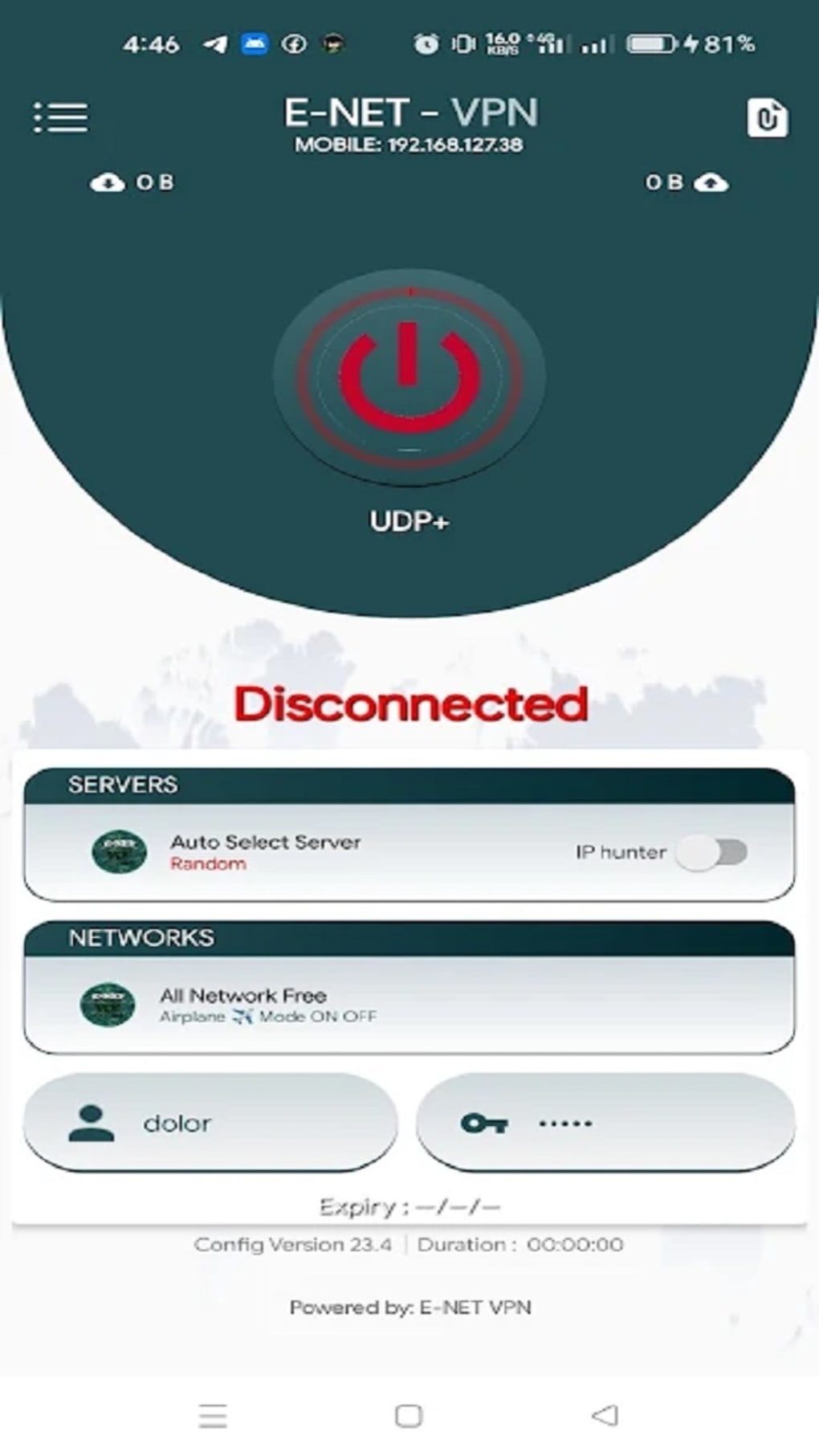
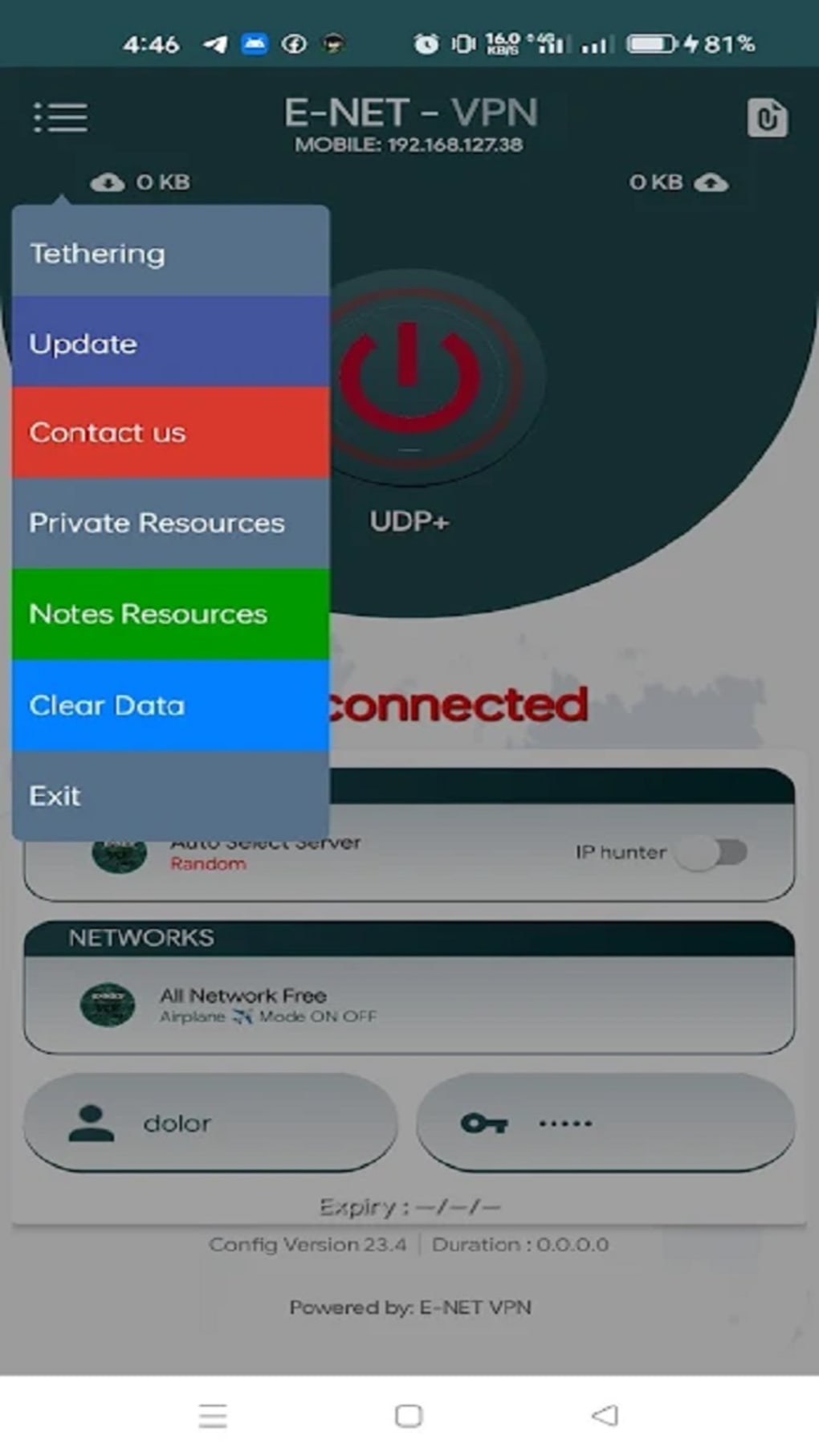
The user interface of E NET VPN is designed with simplicity in mind, featuring a clean layout with a single main button to connect to a server. Navigation is minimal, reducing the learning curve for new users. The workflow is streamlined: launch the app, tap the connect button, and begin browsing securely. This efficiency makes it suitable for quick, on-the-go use. The app does not include complex settings or customization options, which may appeal to users seeking a no-frills solution. However, the absence of advanced features such as kill switches, split tunneling, or protocol selection may limit its appeal to more technical users. Performance observations are based on general software behavior patterns. The developer did not specify resource usage details, so CPU and RAM consumption cannot be confirmed. Users may experience occasional disconnections from the server during active sessions, as noted in the product description. While the app promises high-speed bandwidth, actual performance may vary depending on network conditions and server load. Stability appears to be moderate, with no reported crashes or freezes in available documentation. The app’s lightweight size of 22.5 MB suggests efficient use of device storage.
Compatibility & System Requirements
E NET VPN is designed for Android devices and is compatible with the Android operating system. The current version is 1.0.3, released on May 15, 2024. The installation size is 22.5 MB, indicating a lightweight footprint on the device. The developer did not specify exact system requirements, such as minimum Android version, RAM, or processor specifications. Compatibility information is limited to the OS platform. Users should ensure their device meets standard Android compatibility standards for APK installation. The app does not support other platforms such as Windows, Mac, or iOS. The developer did not provide details on hardware requirements or background operation behavior. The app’s functionality is expected to be consistent across modern Android devices, but specific performance outcomes may vary based on individual device configurations.
Pros and Cons
Pros
- Free to use with no hidden costs
- Anonymous browsing with IP and location masking
- Uses military-grade encryption for data protection
- Unlimited bandwidth for unrestricted internet access
- No registration or login required for privacy preservation
- Simple interface suitable for beginners
- Lightweight installation size (22.5 MB)
Cons
- Occasional server disconnections during sessions
- Limited system requirements information
- Lacks advanced security features like kill switch or split tunneling
- Not available on platforms other than Android
- Developer did not provide performance or stability benchmarks
FAQ Section
Is E NET VPN safe to use?
The app is designed with privacy in mind and uses encryption to protect user data. It does not require registration, reducing the risk of data exposure. However, no third-party verification of its security protocols has been provided.
Can I use E NET VPN on devices other than Android?
Currently, the app is only available for Android devices. There is no official support for Windows, Mac, iOS, or other operating systems.
Does E NET VPN track my online activity?
The app does not require login or registration, which suggests a no-logs policy. However, the developer did not explicitly confirm data retention practices.
How often does the app receive updates?
The last update was released on May 15, 2024. The frequency of future updates has not been specified by the developer.
Can I use E NET VPN without an internet connection?
No, the app requires an active internet connection to establish a secure tunnel and provide encrypted browsing. It cannot function offline.
Final Thoughts + CTA
E NET VPN presents a straightforward, privacy-focused solution for Android users seeking secure and anonymous internet browsing. Its core strengths lie in its no-registration policy, military-grade encryption, and unlimited bandwidth, making it a compelling choice for casual users who prioritize simplicity and privacy. While the app lacks advanced features and has reported occasional disconnections, its lightweight design and free access make it accessible to a broad audience. It is particularly suitable for individuals who need quick, reliable protection on public networks or wish to bypass regional restrictions. For users requiring more robust security controls or cross-platform support, alternatives may be worth exploring. Nevertheless, for those seeking a no-frills, free VPN for Android, E NET VPN delivers on its promise of enhanced privacy and secure browsing. Download E NET VPN now.
Guides & Tutorials for NET VPN APK
How to install NET VPN APK
- Click the Preview / Download button above.
- Once redirected, accept the terms and click Install.
- Wait for the NET VPN APK download to finish on your device.
How to use NET VPN APK
This software is primarily used for its core features described above. Open the app after installation to explore its capabilities.
User Reviews for NET VPN APK 0
No reviews found





